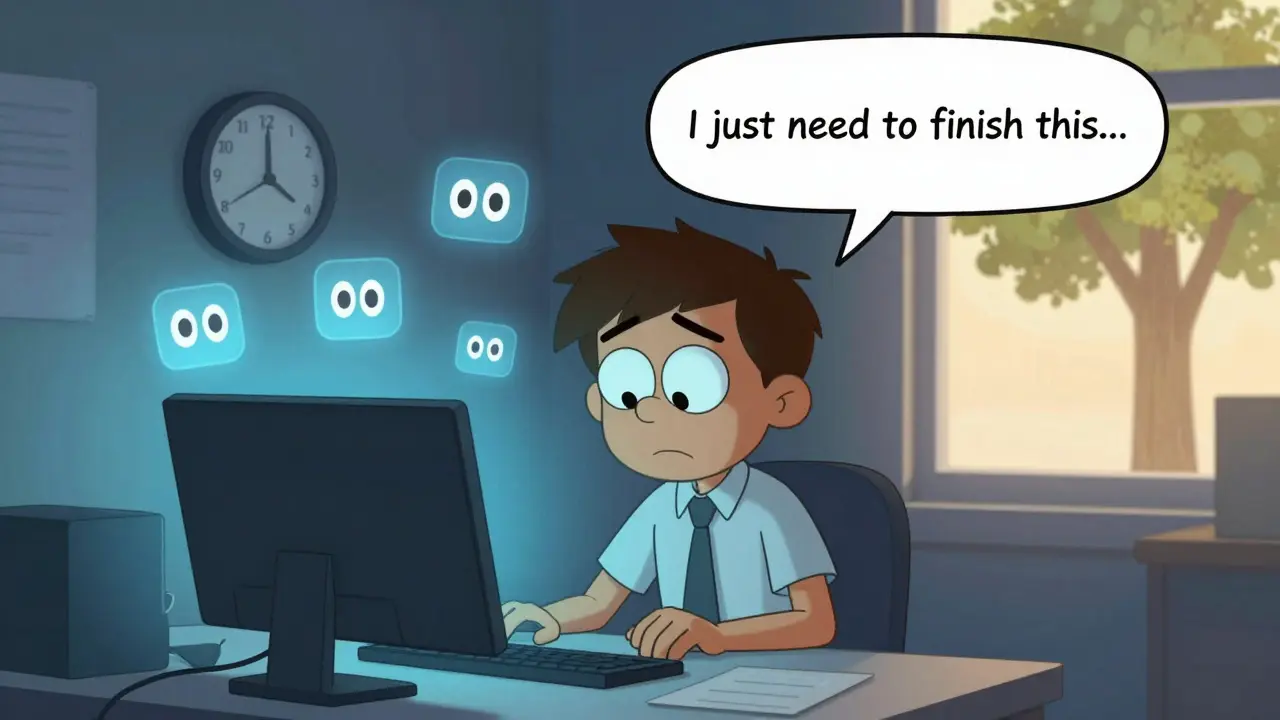
If you spend most of your day staring at a screen-whether it’s a computer, tablet, or phone-you’re not alone. But you might be suffering from something most people don’t even know has a name: Computer Vision Syndrome. It’s not just tired eyes. It’s headaches, blurred vision, dry eyes, neck pain, and even double vision. And it’s happening to more than half of everyone who uses digital devices daily.
What Exactly Is Computer Vision Syndrome?
Computer Vision Syndrome (CVS), also called digital eye strain, isn’t a disease. It’s a group of eye and vision problems caused by long hours in front of screens. The American Optometric Association says about 65% of Americans experience symptoms. That’s two out of three people who work on computers. And it’s not just office workers. Students, remote employees, gamers, and even people scrolling on their phones before bed are at risk.
Your eyes aren’t designed to focus on glowing pixels for hours. Text on screens has lower contrast than printed pages. The light flickers just enough to tire your eyes without you noticing. And here’s the kicker: when you’re looking at a screen, you blink 66% less. Instead of 15 blinks a minute, you’re down to about 5. That means your eyes dry out. Fast.
Why Your Eyes Are So Tired
Your eyes have tiny muscles that adjust focus. When you look at something close-like a screen-those muscles stay tight. Constant tension = fatigue. Add glare from overhead lights or windows reflecting off your screen, and your eyes have to work even harder.
Most people hold their screens too close or too far. The ideal distance? Between 20 and 28 inches (50-70 cm). Too close? Your eyes strain. Too far? You lean forward, and your neck pays the price. Screen height matters too. If the top of your screen is above eye level, you’re constantly looking up. That strains your neck and forces your eyelids to open wider, which dries your eyes out faster.
Lighting is another silent culprit. Offices often have 750-1000 lux of light. For screen work, you only need 300-500 lux. Too bright? Glare kills contrast. Too dim? Your pupils dilate, and your eyes scramble to focus. Both situations make your visual system work overtime.
Common Symptoms You Can’t Ignore
Here’s what real people report:
- Eye strain (64.1% of users)
- Headaches (43.8%)
- Blurred vision (39.2%)
- Dry, burning, or gritty eyes (31.5%)
- Neck and shoulder pain (27.6%)
- Light sensitivity (19.8%)
- Double vision (12.4%)
These aren’t just annoyances. Studies show CVS can cut productivity by up to 20%. If you’re missing deadlines, making typos, or just feeling drained by 3 p.m., your eyes might be the real culprit.
The 20-20-20 Rule: Simple, Free, and Proven
The most effective prevention method isn’t expensive. It doesn’t require new gear. It’s called the 20-20-20 rule. Every 20 minutes, look at something 20 feet away for 20 seconds. That’s it.
Clinical studies show this simple habit reduces CVS symptoms by 53%. Why does it work? It gives your eye muscles a chance to relax. It resets your focus. And it gives your eyes a moment to blink normally again.
Set a timer. Use a free app like EyeLeo or Time Out (available for Mac and Windows). Or just pair it with your coffee breaks. After every 20 minutes of screen time, stand up, walk to a window, and stare at something far away. You’ll feel the difference in a week.
Screen Positioning: Get It Right Once, Feel Better Forever
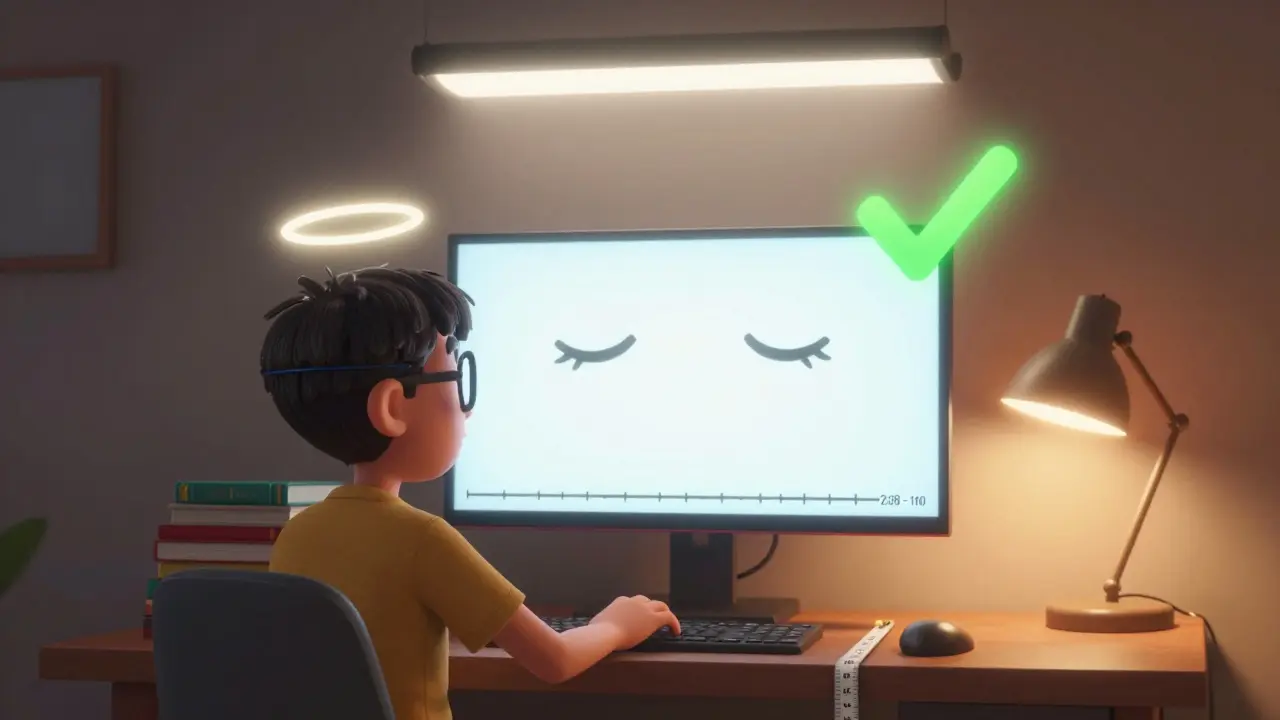
Your screen should be positioned so the top is at or slightly below eye level. That means your gaze is angled down 15-20 degrees. This is the natural resting position for your eyelids. It keeps your eyes covered longer, reducing dryness.
Measure the distance. Use a tape measure. Don’t guess. Your screen should be about an arm’s length away-20 to 28 inches. If you’re squinting, you’re too far. If your nose is almost touching the screen, you’re too close.
Adjust your chair height or use a stand. Even a stack of books can help. Once you get it right, your neck pain will drop by 30%. Eye fatigue? Down 40%.
Lighting: Less Is More
Turn down the overhead lights. Close the blinds if sunlight is hitting your screen. Use a desk lamp with a warm bulb, positioned to the side-not behind or directly in front of you.
Screen brightness should match your surroundings. If your room feels bright, your screen shouldn’t be blinding. Set it to 50-70% of max. Use built-in features like Night Light (Windows) or Night Shift (Mac). They reduce blue light by 30-50% after sunset, which helps your eyes relax.
Blue light isn’t the main villain-it’s the glare and contrast issues that hurt more. But reducing blue light at night helps your sleep cycle, which indirectly helps eye recovery.
Computer Glasses: Do They Work?
There’s a whole industry selling blue light glasses. They’re everywhere. But here’s the truth: they’re not magic.
Some studies show a 28% reduction in eye strain with specialized lenses that have anti-reflective coating and slight blue light filtering. But a double-blind study from the American Academy of Ophthalmology found only 15% extra benefit over regular clear lenses. That’s not nothing-but it’s not a cure.
For people with uncorrected vision problems-like astigmatism or early presbyopia-computer-specific glasses can be game-changers. If you’ve tried everything else and still feel strain, get a comprehensive eye exam. Your optometrist can prescribe lenses designed for your exact screen distance. That’s worth more than any off-the-shelf pair.
Dry Eyes? Try Artificial Tears
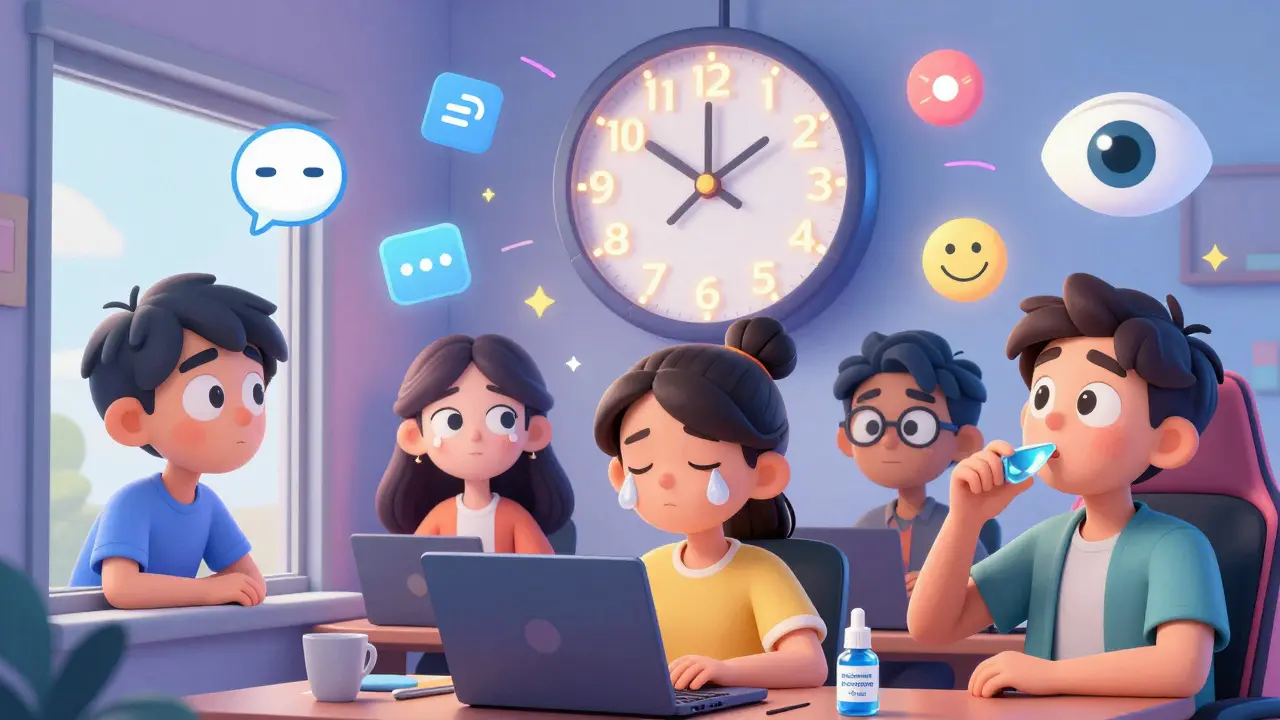
If your eyes feel gritty, scratchy, or like they’re full of sand, you’re not imagining it. Blinking less = less tear film = dry eyes.
Preservative-free artificial tears used 2-4 times a day can help. In clinical trials, 78% of users saw improvement within a week. Look for brands labeled “preservative-free.” They’re gentler on your eyes and safer for daily use.
And yes-there’s now an FDA-approved prescription eye drop called EYSUVIS 0.25%, specifically for dry eye caused by screen use. But for most people, over-the-counter drops are enough.
Who’s Most at Risk?
People aged 18-34 report symptoms most often-76% of them. That’s not because they’re young. It’s because they’re on screens more. Remote workers, students, and creatives are the hardest hit. Women report symptoms 18% more often than men, likely because they tend to have drier eyes naturally.
And it’s getting worse. Global screen time jumped from 3 hours 15 minutes a day in 2013 to nearly 7 hours in 2023. That’s more time than most people spend sleeping. No wonder CVS is becoming routine.
What You Can Do Today
You don’t need to overhaul your life. Start with three simple changes:
- Set a timer for 20 minutes. When it goes off, look out the window for 20 seconds.
- Adjust your screen so the top is at eye level or slightly below. Measure the distance: 20-28 inches.
- Turn down the lights and your screen brightness. Match them to your room.
Do this for a week. If you’re still having symptoms, book an eye exam. Tell your optometrist you’re having digital eye strain. They’ll check for uncorrected vision issues, measure your focusing ability at screen distance, and may recommend computer-specific lenses.
It’s Not Just About Eyes
Computer Vision Syndrome isn’t just an eye problem. It’s a whole-body issue. Poor posture from slouching toward a screen leads to neck and shoulder pain. Constant mental fatigue from visual strain lowers your focus and mood. The more time you spend on screens, the more your body pays the price.
But here’s the good news: every single symptom is reversible. You don’t need expensive gear. You don’t need to quit your job. Just make small, consistent changes. Your eyes will thank you.
Can computer vision syndrome cause permanent damage?
No, CVS doesn’t cause permanent eye damage. All symptoms-dryness, blurred vision, headaches-are temporary and go away with rest and proper habits. But if left unaddressed, chronic strain can lead to ongoing discomfort, reduced productivity, and worsened dry eye. It’s not about blindness-it’s about quality of life.
Are blue light glasses worth buying?
They might help a little, but they’re not the solution. Studies show only 15% extra benefit over regular glasses. If you have uncorrected vision problems, computer-specific lenses prescribed by an optometrist will help far more. Save your money unless you’re also sensitive to nighttime blue light affecting sleep.
How often should I get my eyes checked if I use screens all day?
Every 12 months. The American Optometric Association recommends annual eye exams for regular computer users. Many CVS cases are caused by uncorrected vision problems like astigmatism or early presbyopia. A standard eye exam doesn’t always test for screen-specific focus issues-ask your optometrist to check your vision at your exact working distance.
Can children get computer vision syndrome?
Yes. Kids are spending more time on tablets and laptops for school and entertainment. Their eyes are still developing, and they often don’t realize they’re straining. Encourage the 20-20-20 rule, limit screen time before bed, and make sure their screen is at the right height and distance. Annual eye exams are just as important for them.
What’s the best app for reminding me to take breaks?
Free options like EyeLeo (Windows/Mac) and Time Out (Mac) work well. They’re customizable, quiet, and don’t interrupt your workflow. Set them for 20-minute intervals with a 20-second break reminder. No need for expensive apps-consistency matters more than features.






10 Comments
Frank Baumann
Let me tell you something that no one else is brave enough to say-this whole Computer Vision Syndrome thing? It’s not just about your eyes. It’s about your soul. Every time I stare at this monitor for 12 hours straight, I feel like my consciousness is being slowly digitized, like my brain’s being uploaded into a corporate server farm somewhere in Nebraska. I’ve had headaches so bad I thought I was having a stroke. My vision blurred so badly I thought I was going blind. I cried. Not because I’m weak-I’m not-but because I realized I’ve been letting a screen dictate my life. I used to read books. I used to walk outside. Now I just stare. And blink. Five times a minute. Five. That’s not human. That’s machine. And if you’re not scared, you’re not paying attention.
Chelsea Deflyss
omg i had no idea blinkin less was a thing?? i thought it was just my glasses bein old. also i think u meant 20-20-20 rule not 20-20-20 rule??
Tricia O'Sullivan
Thank you for this meticulously researched and thoughtfully presented overview. I find the emphasis on ergonomic positioning and ambient lighting particularly compelling. As someone who works remotely, I’ve made adjustments to my workstation based on these principles-specifically lowering my monitor to eye level and reducing ambient luminescence-and the reduction in ocular fatigue has been both immediate and profound. I would only add that consistency in these practices yields the most sustainable outcomes.
Scott Conner
wait so blue light glasses dont really help? i spent like 80 bucks on those. also how do i know if i have astigmatism? my eyes feel weird but i dont have a clue what that means
Alex Ogle
I’ve been dealing with this for years. I didn’t realize how much my neck hurt until I adjusted my monitor. I used to hunch like a turtle trying to reach a keyboard three feet away. Now? My chair’s at the right height, my screen’s exactly 24 inches out, and the top of the display is just below my eyebrows. I didn’t even know I was tensing my shoulders until they stopped screaming at me. And the 20-20-20 rule? I set a timer. I don’t even think about it anymore. It’s automatic. I walk to the window. I stare at the tree. I breathe. And then I go back. It’s not a cure. But it’s a reprieve. And sometimes, that’s enough.
Brandon Osborne
STOP WASTING MONEY ON BLUE LIGHT GLASSES. YOU’RE ALL BEING SCAMMED. THIS ISN’T A TECHNOLOGY PROBLEM-IT’S A BEHAVIOR PROBLEM. YOU’RE ADDICTED TO YOUR SCREENS. YOU’RE NOT TAKING BREAKS BECAUSE YOU’RE TOO LAZY. YOU’RE NOT ADJUSTING YOUR CHAIR BECAUSE YOU DON’T WANT TO MOVE. YOU THINK A PAIR OF GLASSES IS GOING TO FIX THAT? NO. IT’S NOT THE LIGHT. IT’S YOU. YOU’RE SITTING THERE LIKE A ZOMBIE STARE AT A BOX FOR 10 HOURS A DAY AND YOU WANT A QUICK FIX? GO OUTSIDE. WALK. LOOK AT A TREE. STOP BEING A SLAVE TO YOUR PHONE. YOUR EYES AREN’T BROKEN. YOUR HABITS ARE. FIX THOSE FIRST. THEN COME BACK.
Marie Fontaine
OMG YES TO THE 20-20-20 RULE!! I started using EyeLeo and it changed my life 😍 I used to get these crazy headaches by 2pm now I’m chill all day! Also try putting your phone on grayscale-makes you less obsessed lol 💪
Lyle Whyatt
As someone who’s spent the last decade working from home, I can confirm every single point here. I used to think my dry eyes were just age-related. Turns out, it was the screen glare, the lighting, and the fact I was sitting three feet away from my monitor like a confused owl. I adjusted the height, got a matte screen filter, started using preservative-free drops twice a day, and now? I can work 8 hours without feeling like I’ve been poked in the eyeballs with sticks. The 20-20-20 rule is non-negotiable. I even have a little ritual now-when the timer goes off, I make a cup of tea. It’s not just about resting my eyes. It’s about resting my mind. Small pauses. Big impact.
Tatiana Barbosa
CVS isn’t just about vision-it’s about systemic fatigue. The visual system is a massive cognitive load, and when you’re locked into near-focus for hours, your autonomic nervous system gets taxed. You’re not just tired-you’re neurologically overloaded. That’s why productivity drops. That’s why mood tanks. That’s why you feel like you’ve run a marathon after 4 hours of Zoom calls. The fix isn’t just ergonomics-it’s rhythm. Scheduled disengagement. Micro-rests. Your brain needs downtime between tasks. Your eyes are just the canary in the coal mine. If you’re not taking real breaks, you’re not working-you’re enduring.
Ken Cooper
So I just tried the 20-20-20 rule for 3 days… and I swear my eyes feel better?? I didn’t even think it’d work. Also I didn’t know about the blink thing-now I’m like a weirdo blinking on purpose lol. And I moved my monitor down like 2 inches and wow. My neck doesn’t hurt anymore. I think I’ve been doing this wrong for like 10 years. Thanks for the reminder. I’m gonna start using that eyeleo app. Also-anyone else use a blue light filter at night? I do and I sleep way better.