
Missing a dose of your medication isn’t just a slip-up-it can send you back to the doctor, land you in the hospital, or make your condition worse. About half of people with chronic illnesses don’t take their meds as prescribed. That’s not because they don’t care. It’s because remembering multiple pills, at different times, every day, is hard. And when you’re tired, stressed, or just busy, alarms that don’t work properly make it worse.
The good news? Setting up medication reminders that actually work is doable. Not with a dozen apps and confusing settings. But with a smart, simple system built around your real life. Here’s how to make it stick.
Start with What You’re Actually Taking
Before you pick an app or set an alarm, write down every medication you take. Not just the name-write the dose, how often, and why. Is it 5 mg of lisinopril every morning for blood pressure? Or 1000 mg of metformin twice a day with food? Getting this right matters. One wrong entry can mean a double dose-or no dose at all.
Use RxNorm, the standard drug database used by hospitals and pharmacies. Most good apps connect to it automatically. When you type in “aspirin 81 mg,” it pulls the correct name, strength, and frequency. This cuts down typos by more than 70%. If your app doesn’t do this, you’re setting yourself up for errors.
Don’t guess. Check your prescription labels. Call your pharmacy if you’re unsure. A wrong reminder is worse than no reminder.
Choose the Right Tool for Your Life
There are dozens of apps. But not all are made for real people.
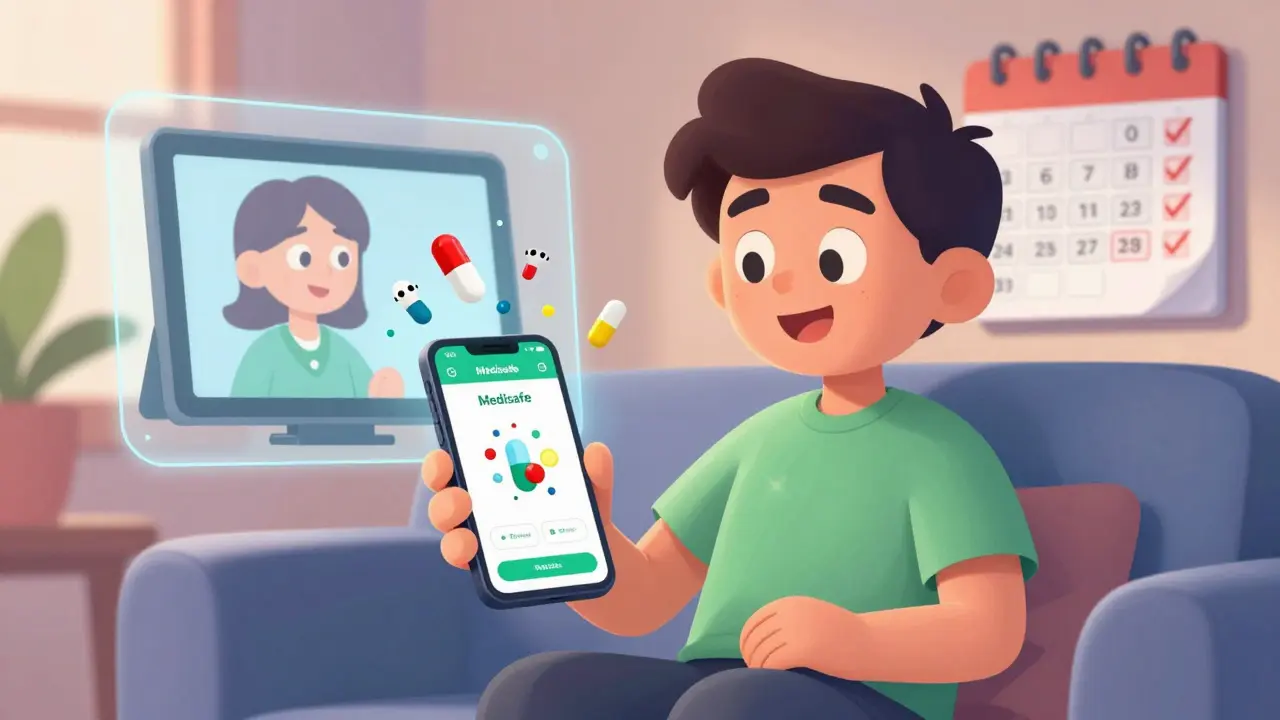
- Medisafe is great if you’re tech-savvy. It learns your habits, spots patterns (like skipping evening pills), and even lets a family member see your schedule. Premium version costs $30 a year.
- MedAdvisor works best if you get prescriptions from a pharmacy that uses it-common in Australia and New Zealand. It auto-updates your meds when your doctor changes them.
- CareZone is ideal if you manage meds for someone else. You can add multiple people, track refills, and send alerts to caregivers.
- Round Health is simple, clean, and works perfectly with Apple Health. But only on iPhone. No Android support.
- Mango Health gives you rewards for taking pills-gift cards, discounts. Great for motivation, but only works with U.S. pharmacies.
If you’re over 65 or not comfortable with smartphones, skip the app for now. Get a physical pillbox with alarms. Hero Health’s dispensing box costs $199/month but automatically releases pills and calls a caregiver if you miss a dose. It’s expensive, but for some, it’s the only thing that works.
Set Alarms That Don’t Annoy
A single alarm at 8 a.m. won’t cut it if you take five pills at three different times. Here’s how to avoid alarm fatigue:
- Use staggered alerts. First, a quiet vibration. If you don’t respond in 15 minutes, a louder chime. If still missed after 47 minutes, send a text to your caregiver. Mayo Clinic found this cuts missed doses by 63%.
- Turn off sound in meetings or at night. Apps like Medisafe can detect calendar events and mute alerts during work hours or sleep time.
- Use different tones for different meds. A chime for blood pressure pills, a beep for insulin. Your brain starts to recognize them without thinking.
- Don’t set too many. More than five alarms a day increases the chance you’ll turn them all off. Combine pills if your doctor allows it.
Test your alarms. Set them for tomorrow, then walk away. Do you hear them? Do they wake you up? Do they repeat? If not, adjust. Silence is the enemy of adherence.
Confirm You Actually Took It
Apps can’t tell if you took the pill. They just know you opened the app. That’s why 40% of users report “adherence” they didn’t actually earn.
Use visual confirmation. Most apps now let you take a photo of your pill before swallowing. Stanford Medicine found this cuts fake reports by 89%. You don’t need a fancy camera-just point your phone at the pill, snap it, and tap “taken.” It takes five seconds. But it makes the system trustworthy.
For those who can’t use cameras, use a checklist. Write down each pill on a sticky note. Tick it off. Put it on the fridge. Simple. Old-school. Effective.
Connect to Your Pharmacy
Nothing kills motivation faster than running out of pills. And no one wants to call the pharmacy every month.
If your app connects to your pharmacy (MedAdvisor, Mango Health, some versions of Medisafe), turn it on. It auto-sends refill requests when you’re down to 7 days left. Some even deliver to your door.
But watch out. Pharmacy APIs change. One user reported 14 days of missed refill alerts because CVS updated their system. Always check your refill status manually once a week. Don’t trust the app completely.
Make It Part of Your Routine
Alarms fail when they’re separate from your day. Link your meds to something you already do.
- Take your morning pills right after brushing your teeth.
- Take your evening pills with your tea or coffee.
- Put your pillbox next to your keys or wallet so you see it before leaving the house.
Behavioral science shows this “habit stacking” works. When you tie a new habit to an old one, your brain accepts it faster. After 21 days, it becomes automatic.
Some apps add streaks-“7 days in a row!”-and badges. These work great for people under 50. But for seniors? They often turn them off. They don’t want to be gamified. They want reliability. Respect that.
Include a Caregiver
Don’t go it alone. If you have someone helping you-partner, child, friend-give them access. Most apps let you set up three levels:
- View-only: They can see your schedule.
- Edit: They can change times or add meds.
- Emergency override: They can trigger an alert if you don’t respond for hours.
University of Michigan found that adding a caregiver increases adherence by 39%. It’s not about control. It’s about safety.
Set up a weekly check-in. “Hey, did you take your warfarin yesterday?” A quick text. A call. A note. It matters.
Watch Out for These Mistakes
People make the same errors over and over:
- Wrong time zone. If you travel, your app might alert you at 2 a.m. because it didn’t update. Always double-check time zone settings.
- Disabled notifications. Your phone might block alerts to save battery. Go into Settings > Notifications and make sure the app is allowed to alert, even in Do Not Disturb mode.
- Too many meds entered wrong. If you type “metformin 500” instead of “metformin 500 mg,” the app might not recognize it. Use the RxNorm database-don’t type it yourself.
- Ignoring battery drain. Some apps use location services to trigger reminders when you’re home. That can drain your phone 1.2% per hour. Turn off location if you don’t need it.
Test your setup for a full week. Set a reminder on your calendar: “Check meds app on Friday.” See what worked. What didn’t. Fix it.
What If the App Still Doesn’t Work?
Not everyone can-or wants to-use an app. And that’s okay.
Use a physical pill organizer with built-in alarms. The ones with separate compartments for morning, afternoon, evening, and night. Some even flash lights and play voice reminders: “It’s time for your blood pressure pill.”
Or use your smart speaker. “Hey Google, remind me to take my pills at 8 a.m. and 8 p.m.” It’s simple, no app needed.
Or just write it on a whiteboard. Put it where you’ll see it. “Take insulin-7 a.m. & 7 p.m.”
Technology helps. But it doesn’t replace human connection. If you’re struggling, talk to your pharmacist. They’ve seen this a thousand times. They can help you pick the right tool-or suggest a low-tech fix that works better than any app.
It’s Not About the App. It’s About Your Health.
Medication reminders aren’t about tech. They’re about staying alive. About feeling better. About not ending up in the ER because you forgot a pill.
Start small. Pick one medication. Set one alarm. Confirm you took it. Do that for a week. Then add another. Don’t try to fix everything at once.
There’s no perfect system. But there is a system that works for you. Find it. Stick with it. Your body will thank you.



11 Comments
Alex Ronald
One thing I wish more people knew: combining meds into one dose when your doctor approves it is a game-changer. I used to have 8 alarms a day. Now it’s three. My brain doesn’t feel like it’s under siege anymore. Also, using a pillbox with time slots? Non-negotiable. I keep mine by the coffee maker. No more forgetting morning pills.
Russell Thomas
Oh wow, another ‘tech solution’ post. Let me guess-you also think putting a sticky note on the fridge counts as ‘behavioral science.’ You know what actually works? Having someone else physically hand you your pills. Not an app. Not a chime. A person. Who yells at you if you don’t take it. That’s real adherence. And no, I’m not joking.
Emma Duquemin
Y’ALL. I used to miss my blood pressure meds for WEEKS. Then I started taking a selfie with my pill every time-yes, literally. I even named my pillbox ‘Bubba.’ Now I have a 47-day streak. I’m not proud of how dramatic I got, but I’m alive. And I’ve got screenshots. I’m basically a wellness influencer now. #PillSelfieSquad
Kevin Lopez
App-based adherence is a placebo. The real issue is non-persistence due to poor pharmacokinetic compliance. You need structured dosing regimens with pharmacovigilance integration. Also, RxNorm is mandatory. If your app doesn’t sync with it, it’s garbage.
Duncan Careless
ive been usin a pillbox for 3 yrs now. no apps. no alarms. just a little plastic thing with 4 slots. i put it next to my toothbrush. took me 2 weeks to get used to it. now i dont even think about it. also, if ur phone dies? u r screwed. my box dont need charge.
Samar Khan
OMG I’m so done with this. You think a camera check fixes everything? 😤 I took my meds and snapped a pic… then threw the pill in the trash because I was mad. App still says ‘taken.’ 😒 Why do we pretend tech solves human behavior? We’re not robots. We’re messy. Let’s just admit it.
Manan Pandya
Thank you for this comprehensive guide. I have been managing my father’s medications for the past two years, and the point about caregiver access is critical. We use Medisafe with view-only access for me, and emergency override enabled. The weekly check-in text has reduced his missed doses by over 70%. I would add one suggestion: always verify refill status with the pharmacy directly, even if auto-refill is enabled. Systems fail, but human verification does not.
Joe Kwon
Just want to say-this is the most practical guide I’ve read in years. I’ve tried every app. Most are either too complex or too gimmicky. The habit stacking tip? Genius. I take my evening pills after I turn off the TV. No alarms needed. And the visual confirmation? I do it with my dumb phone camera. Takes 3 seconds. It’s not about being tech-savvy. It’s about being consistent. Also, props to the guy who said ‘silence is the enemy.’ That’s the truth.
Fabian Riewe
My grandma uses a dumb phone with voice reminders. ‘Hey Siri, remind me to take my heart pills at 8.’ She doesn’t know what RxNorm is, but she takes them. Every. Single. Day. Tech is great-but don’t forget the low-tech folks. Sometimes the best solution is just a voice in the room saying ‘it’s time.’ No app. No camera. Just love.
Nicole K.
If you can’t remember to take your pills, maybe you shouldn’t be taking them. This isn’t hard. You’re not a child. You’re an adult. Just set a damn alarm. Stop looking for fancy apps. Stop taking selfies. Just take the pill. Your body doesn’t care how ‘creative’ you are.
Teresa Rodriguez leon
I’ve been on 11 different medications for 12 years. I’ve tried every app, every pillbox, every alarm tone. The only thing that kept me alive was my sister calling me every day at 7 a.m. and 7 p.m. I didn’t even need to answer. She just said, ‘Did you take it?’ and hung up. I’d hear her voice in my head for the rest of the day. That’s not technology. That’s family. And it’s the only thing that ever worked.