Keeping your prescription labels and medication leaflets isn’t just good housekeeping-it’s a safety habit that could save your life. Think about it: when you’re rushed at the emergency room, or switching doctors, or just trying to remember if you’ve taken your blood pressure pill today, having clear, organized records makes all the difference. Yet most people toss those little paper inserts and empty pill bottles after a few weeks. That’s a mistake. Prescription labels hold vital info: exact dosage, refill dates, allergies, warnings about alcohol or food interactions, and expiration dates. Leaflets explain side effects, what to do if you miss a dose, and how the drug works in your body. Losing that info isn’t just inconvenient-it’s risky.
Why This Matters More Than You Think
Every year in the U.S., about 7,000 people die from medication errors, according to the Institute of Medicine. Many of those happen because doctors don’t know what you’re actually taking. You might think your doctor has your record, but hospitals and clinics don’t always share data. Even if they do, their systems only keep records for 7-10 years. What if you’ve been on the same medication for 15 years? Who remembers the exact dose you were on in 2018? That’s where your personal records come in.What’s on a Prescription Label (And Why You Need It All)
FDA rules require every prescription label to include 18-point bold text for key details. That’s not just for readability-it’s for safety. Here’s what you’re looking at:- Your full name
- Medication name (brand and generic)
- Dosage (e.g., 10 mg, 250 mg)
- How to take it (e.g., “Take one tablet by mouth twice daily”)
- Prescriber’s name and contact info
- Pharmacy name and phone number
- Number of refills allowed
- Expiration date
- Special warnings (e.g., “May cause drowsiness,” “Avoid grapefruit”)
Physical Storage: The Simple, Reliable Way
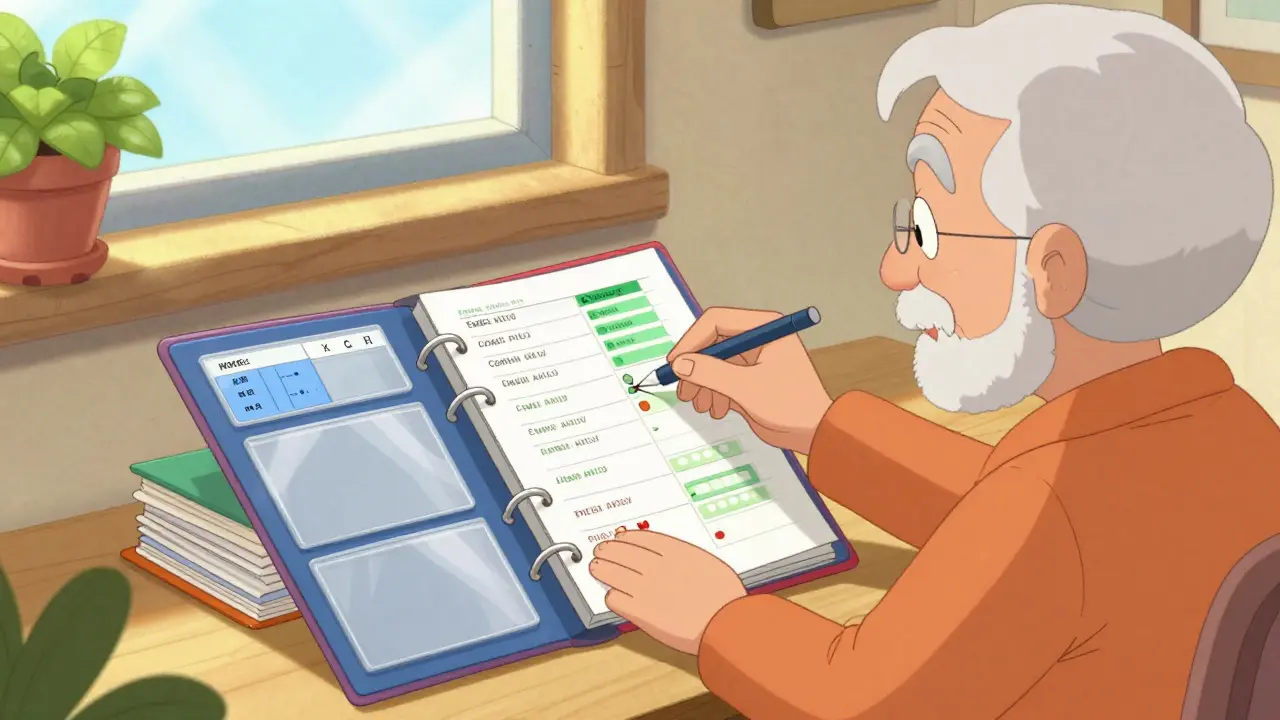
If you’re not tech-savvy, or if you’ve ever lost power during an emergency, physical storage is your best friend. You don’t need fancy gear. Start with a binder.- Get a 1.5-inch three-ring binder with clear plastic pockets.
- Label each page with the medication name-alphabetical order works best.
- Slide each label and its matching leaflet into the pocket behind the right page.
- Use color-coded tabs: blue for heart meds, green for antibiotics, red for painkillers, etc.
Digital Storage: The Smart Backup
A physical binder is great, but it can get lost, damaged, or stolen. That’s why a digital backup matters. You don’t need to be a tech expert. Just take photos.- Use your phone’s camera to snap clear, well-lit photos of each label and leaflet.
- Save them in a folder labeled “Medications” on your phone or computer.
- Use a HIPAA-compliant app like MyMedSchedule (version 3.2.1 or later). These apps encrypt your data and let you search by drug name, date, or side effect.
- Set automatic reminders for refills and expiration dates.

Combining Both Methods: The Gold Standard
The best system? Keep current meds in your binder. Scan everything older than six months and upload it to a secure app. That way, you have instant access to what you’re taking now, and a complete history if you ever need it. Here’s how to make it stick:- Every time you pick up a new prescription, immediately place the label and leaflet in your binder.
- That same day, take a photo and upload it to your app.
- When you finish a bottle, don’t throw it out right away. Wait until you’ve scanned it and confirmed the digital copy is clear.
- Once a month, spend 5 minutes checking that everything’s in place. Toss old bottles only after you’re sure they’re backed up.
What to Avoid
Don’t just dump labels in a drawer. Don’t rely on memory. Don’t wait until you’re sick to organize this. And don’t throw out old bottles without scanning them first. One Reddit user, ‘PharmaNurse2020,’ shared how her mother’s life was saved during an emergency because they had a binder with every medication listed. Another user, ‘MedMistakeVictim,’ spent $1,200 on unnecessary tests because they couldn’t prove they’d been taking the same dose for a decade.When to Update Your Records
Update your system every time:- You get a new prescription
- You stop taking a medication
- You change the dose
- You switch pharmacies
- You see a new doctor
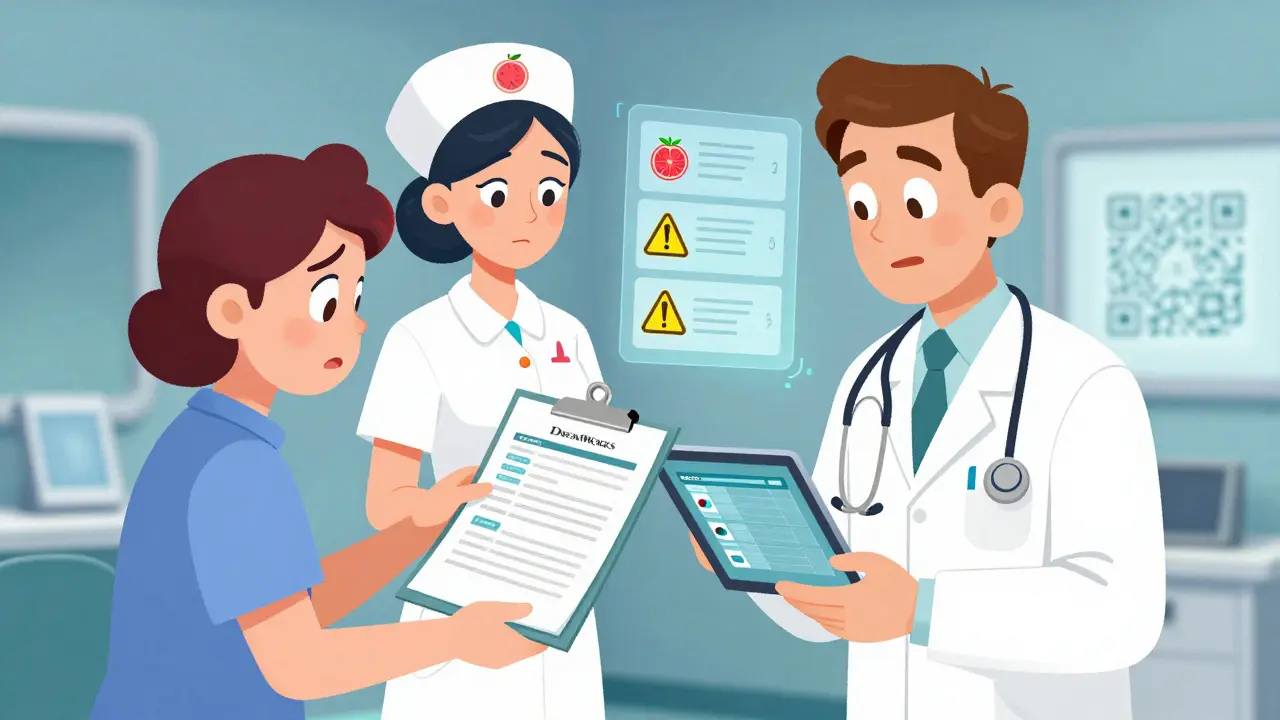
What Experts Say
Dr. Jerry H. Gurwitz, a leading geriatrician, says keeping organized records reduces dangerous drug interactions in older adults by 32%. The CDC and the American Association of Colleges of Pharmacy both rate this practice as “essential for patient safety”-9.7 out of 10 on their scale. It’s not optional. It’s basic care.What’s Coming Next
Starting in 2024, the FDA began requiring QR codes on all prescription labels. Scan one, and you’ll get the full digital leaflet. By 2026, government programs like MyMedicationHistory will let you connect your personal records to your doctor’s electronic system. But until then, you’re still the only one who can guarantee your records are complete and accurate.Need Help Getting Started?
The CDC’s Medication Safety Helpline (1-800-232-0233) can walk you through setting up a system. The Institute for Safe Medication Practices offers a free downloadable guide called “Your Medication Record: A Patient’s Guide.” You can print it out and use it as a checklist.Storing your prescription labels and leaflets isn’t about being organized for the sake of being organized. It’s about control. It’s about safety. It’s about making sure no one ever has to guess what’s in your medicine cabinet. Start today. One binder. One phone scan. One less thing to worry about tomorrow.
Do I really need to keep every prescription label and leaflet?
Yes-if you’re taking any medication regularly, even over-the-counter ones. Labels tell you exactly what you’re taking, how much, and when. Leaflets warn you about dangerous interactions. If you ever go to the hospital, switch doctors, or have an allergic reaction, these documents are your best proof of what you’ve been using. Throwing them out is like burning your medical history.
Can I just use my pharmacy’s app instead?
Pharmacy apps are helpful, but they’re not enough. They usually only show current prescriptions, not past ones. If you switched pharmacies five years ago, that record might be gone. Plus, if the app crashes or your account gets locked, you lose access. Your personal backup-physical or digital-is the only system you fully control.
What if I take a lot of medications? Won’t this get messy?
It won’t if you organize it right. Use a binder with alphabetical tabs and color-coded sections. Most people take 20-30 prescriptions a year. That’s about 200-300 pages over 10 years-less than a standard filing cabinet drawer. You can also scan older records and delete the physical copies after confirming the digital version is clear. Keep only current meds in the binder.
Is it safe to store medication records digitally?
Only if you use a HIPAA-compliant app. These apps encrypt your data and protect it like a bank. Avoid free cloud storage like Google Drive or iCloud for medical records-they’re not designed for health data. HIPAA-compliant apps like MyMedSchedule cost less than $5 a month and are worth every penny. Your medication info is 40 times more valuable than your credit card number to hackers.
How long should I keep old prescription records?
Keep them for at least 10 years. Some states, like California, legally require 10-year retention for liability reasons. Even if you don’t live there, it’s smart. Many chronic conditions-like high blood pressure or diabetes-require lifelong tracking. Your doctor may need to see how your treatment changed over time. If you’re over 65 and on five or more meds, keeping 10 years of records is essential.
What if I lose my binder or phone?
If you’ve scanned everything and backed it up to the cloud, you’re covered. Just log in from another device. If you only have a physical binder, make a second copy. Leave one with a trusted family member or keep a printed list in your wallet. You don’t need to store everything in one place-but you need at least two backups.
Can I recycle old pill bottles after scanning the labels?
Yes-once you’ve scanned the label and leaflet and confirmed the digital copy is clear and readable. Don’t throw them out right away. Wait at least 24 hours to make sure your photo is good. Then, remove any personal info by peeling off the label or using a permanent marker to black it out. Many pharmacies have recycling bins for empty bottles.
Are there any free tools to help me organize this?
Yes. The Institute for Safe Medication Practices offers a free printable Medication Record form on their website. You can print it, fill it out by hand, and keep it in your binder. You can also use your phone’s Notes app to type out each medication’s details-name, dose, purpose, side effects-and save it as a file. It’s not as fancy as an app, but it works if you’re on a budget.